 01
01Create Account
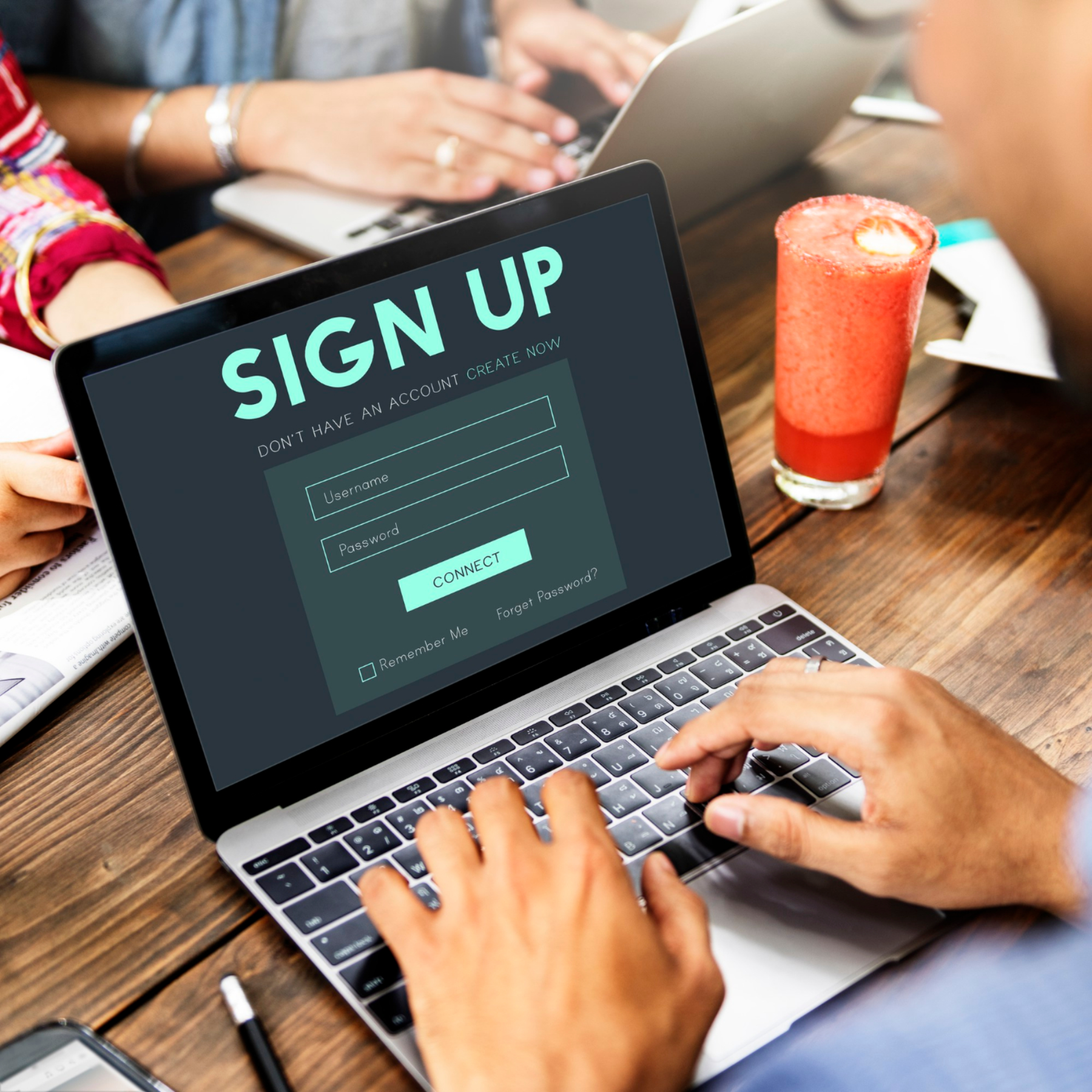
Download the Facinos app and create your account in minutes using your mobile number, email, or supported sign-in method.

Simple onboarding. Clear consent. Secure approval. Instant receipt.
Facinos turns payment and access into one smooth journey. Users create an account, verify their identity where required, activate Facinos with clear consent, choose where it can be used, and receive a digital receipt after every payment, entry, boarding, or access action.

Consent Active
You’re in control
Metro Access Approved
Gate A3 • Fare charged
Payment Successful
Brew & Bites Café
$24.80
Receipt Sent
Available in your app
THE 6 SIMPLE STEPS
Facinos is designed to be simple for users and powerful for businesses. Every step is based on consent, control, and clear confirmation.
01Download the Facinos app and create your account in minutes using your mobile number, email, or supported sign-in method.
 02
02Complete identity verification where required for payment, transport, access, or regulated business use.
 03
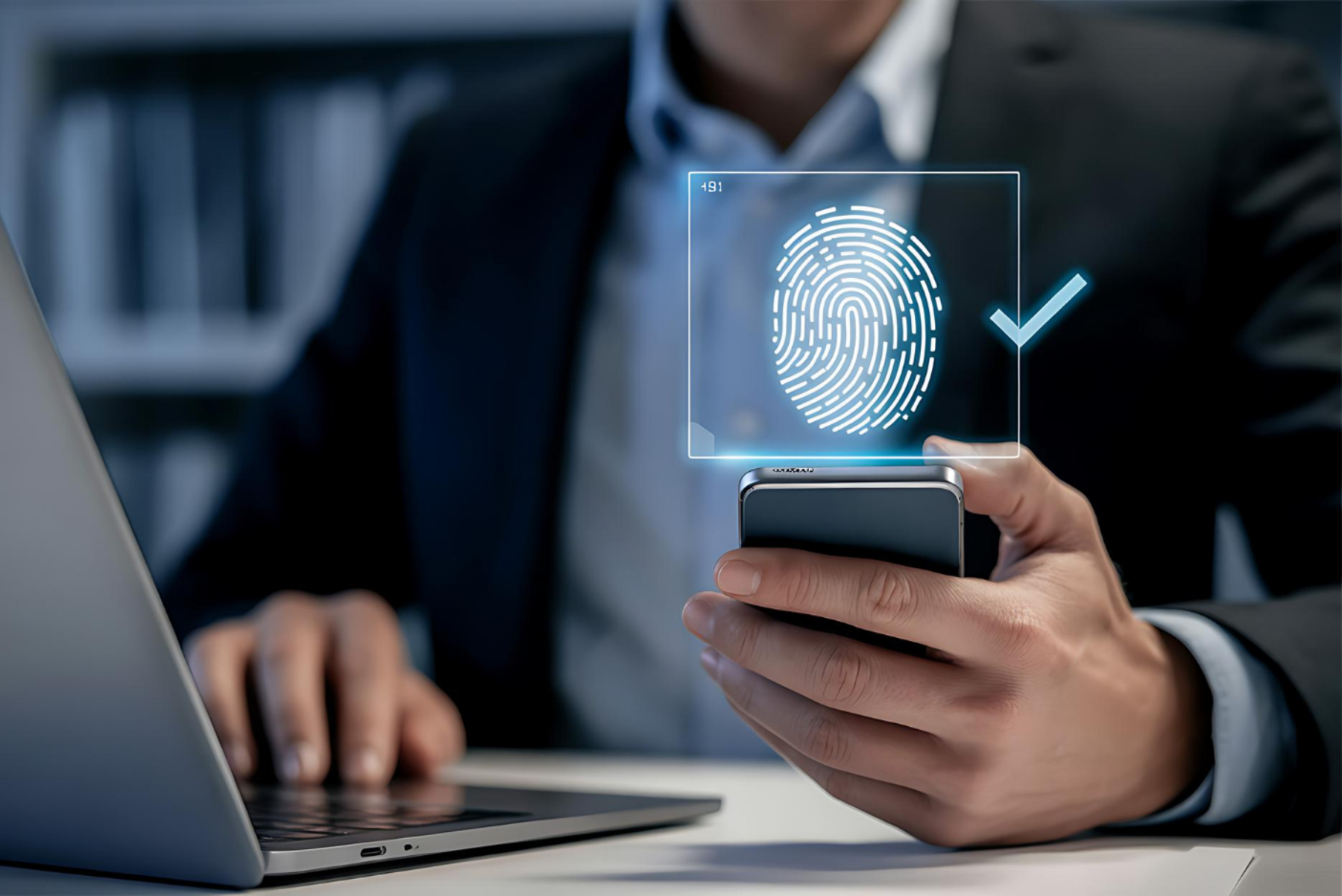
03Activate Facinos only after clear consent. The user understands where Facinos can be used and can disable it anytime.
 04
04Connect a wallet, card, prepaid balance, transport pass, membership balance, or approved payment source.
 05
05Users decide exactly where Facinos is active, such as metro, restaurants, events, hotels, gyms, or selected partners.
 06
06The user walks through, boards, enters, or stands at checkout. Facinos confirms approval and creates a digital receipt.
Facinos works for fast movement and for fixed checkout points.
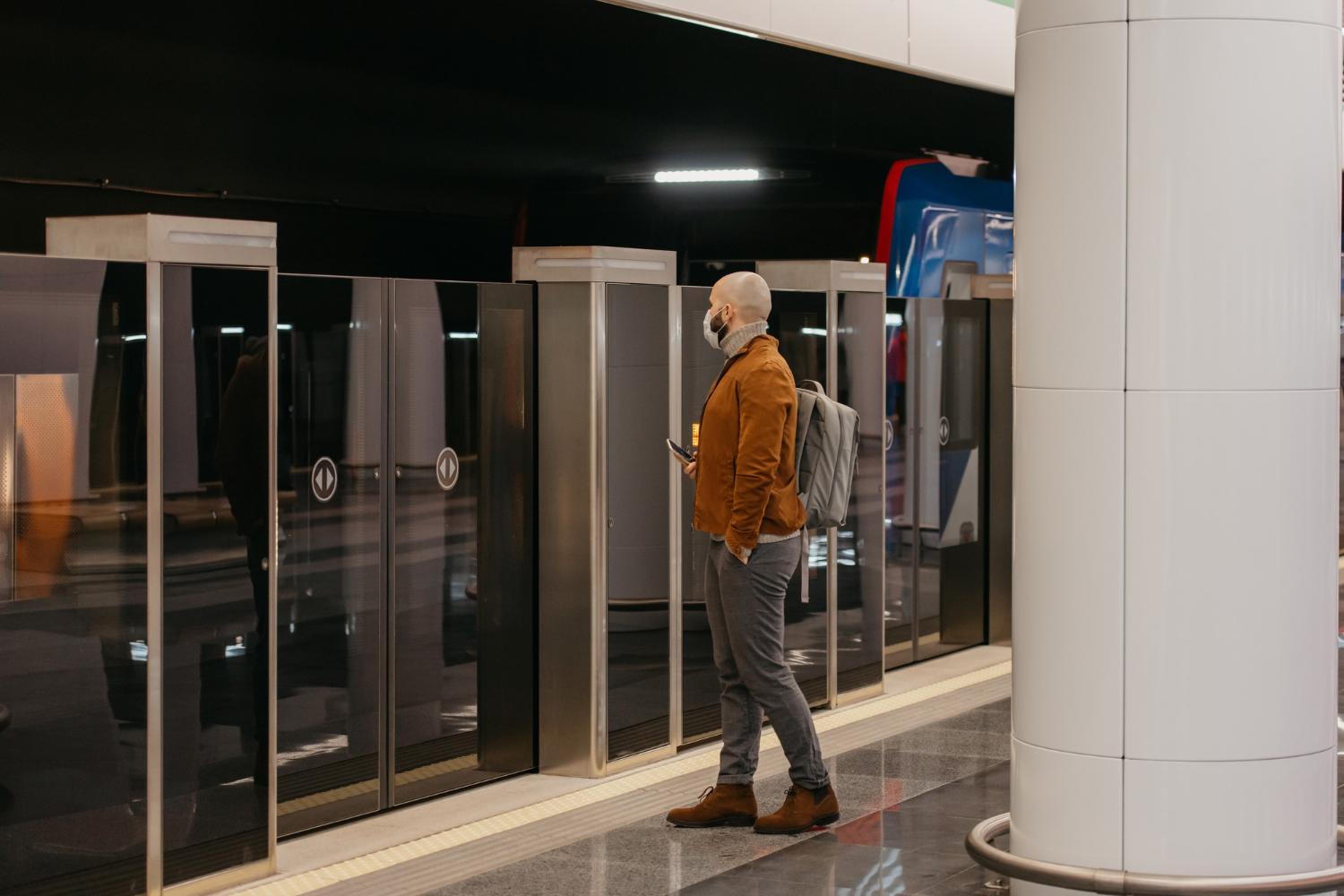
Designed for movement. The user does not need to stop, scan a QR code, search for a ticket, or tap a card.
Best for
How works
A passenger walks toward a metro gate. Facinos confirms approval, opens the gate, charges the fare, and sends a receipt instantly.

Designed for checkout. The user stands in front of a cashier camera, kiosk, reception desk, or self-checkout screen.
Best for
How works
A customer confirms the amount at the counter, pays by face approval, and receives a digital receipt.
Facinos can support many real-world environments from one approval experience.

Just look and go. Facinos confirms permission, opens the gate, charges the fare, and sends a receipt.

Passengers board faster without waiting at the front door to tap cards or show tickets.

Visitors enter events without printed tickets or QR codes while organizers reduce queues.

The cashier scans products, the customer approves by face, and the receipt is saved digitally.
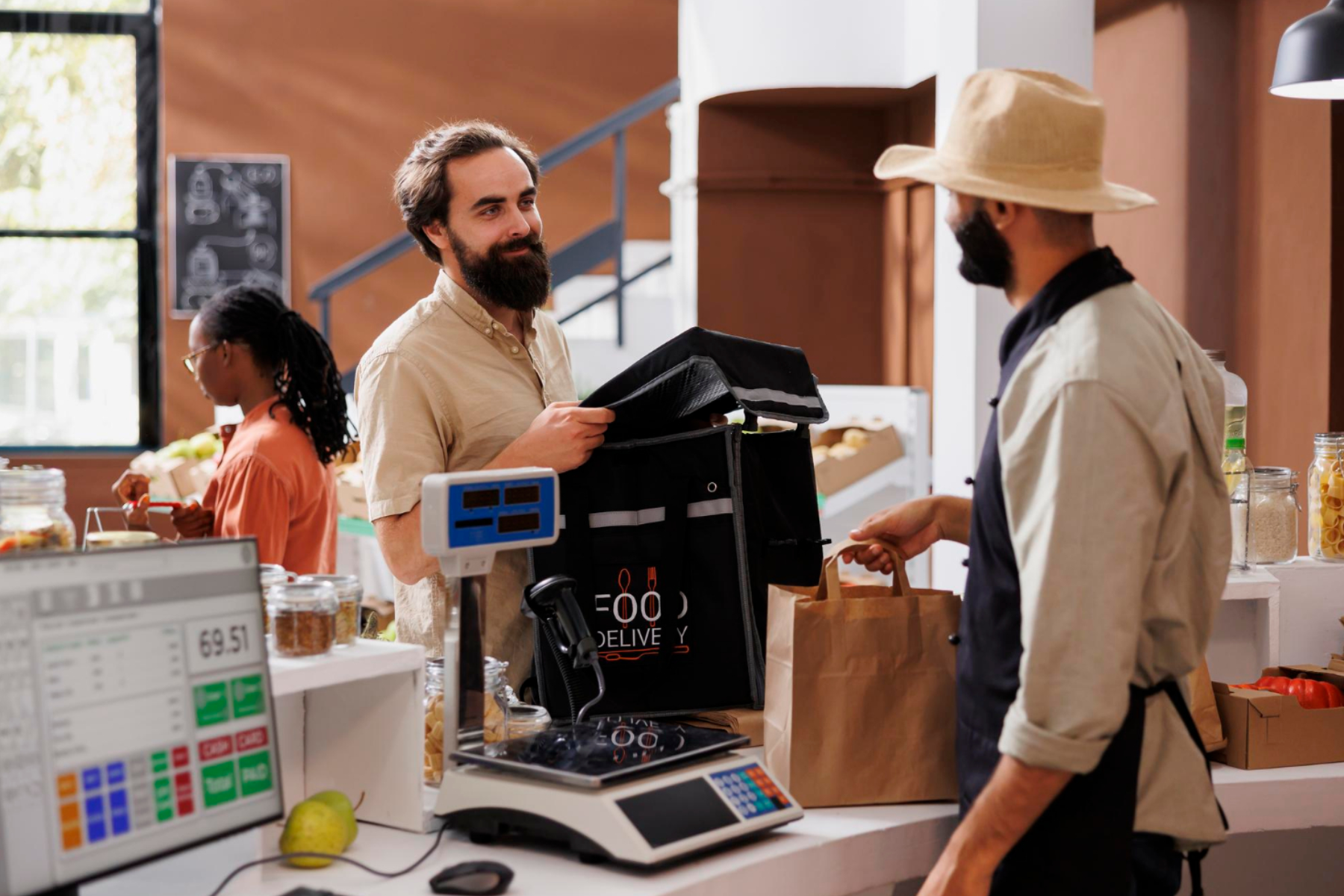
A customer stands at the counter, confirms the amount, and pays without card, phone, or cash.

Guests can check in, pay, access services, and receive receipts through one approved identity flow.

Members enter the gym, access classes, and pay for drinks or services without membership cards.

Users can enter parking areas, access paid zones, and complete payment automatically at exit.
Facinos is optional. The user chooses where it works, sees every action, and can turn it off anytime.
Receipts
Permissions
Facinos is activated only after the user agrees and understands where it can be used.
Users can pause or remove Facinos access anytime from their app or dashboard.
Every payment, entry, boarding, or access event creates a clear receipt and activity record.
Users should still be able to use cards, app payments, QR codes, or manual options where available.
Real-time approvals, device activity, transactions, settlements, and customer flow from one business workspace.
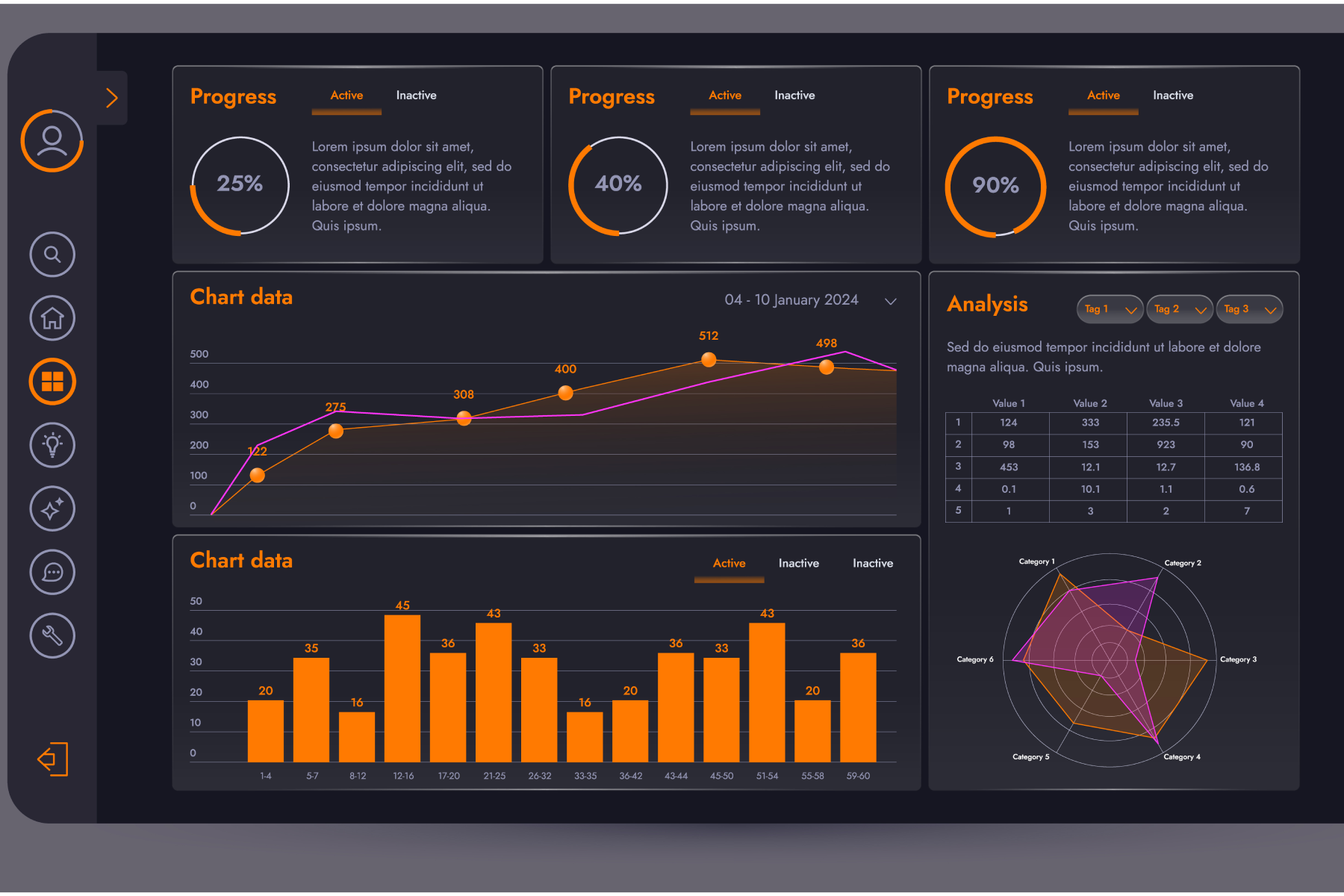
Live operations preview
Today’s Approvals
1,248
Active Devices
128
Transactions
2,563
Success Rate
98.7%
Recent activity
Start with one pilot location and expand into a complete payment and access network.
Facinos is designed as an approval layer, not a tracking system. The user decides when and where Facinos is active, sees every receipt, and can disable it anytime.