
Metro & Transport
Enter stations, board buses, use trams, ferries, and shuttles without buying local tickets.
Select Metro →
Facinos lets users pay, enter, travel, shop, and access services without cards, tickets, QR codes, or cash. The user stays in control, gives consent, and receives a digital receipt after every action.
No card. No ticket. No queue. User approved.

Trusted by forward-thinking partners
Use Facinos across transport, events, retail, hospitality, workplaces, and more.
Enter stations, board buses, use trams, ferries, and shuttles without buying local tickets.
Select Metro →
Enter concerts, stadiums, museums, exhibitions, and VIP zones without paper tickets or QR codes.
Select Events →
Checkout in stores, pharmacies, groceries, and self-service counters without cards or cash.
Select Retail →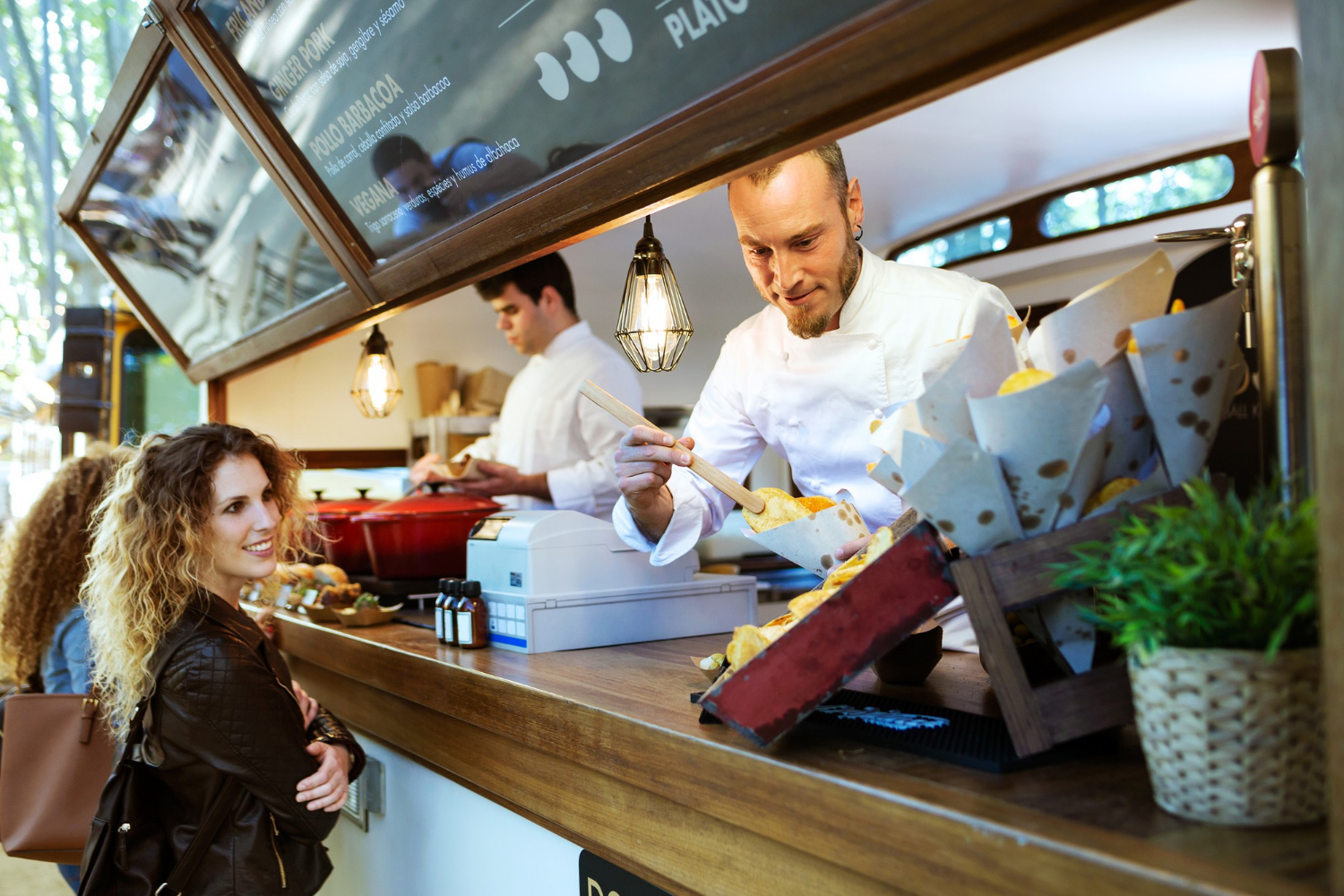
Stand at the counter, confirm the amount, and pay securely by face approval.
Select Restaurant →
Check in, pay for rooms, access breakfast, spa, parking, and hotel services with one identity.
Select Hotel →
Access gyms, offices, campuses, canteens, vending machines, and member-only areas.
Select Access →Simple onboarding, clear consent, secure payment, instant receipt.
Sign up in minutes and verify your email or phone.
Complete identity verification where required for payment and access.
Add face approval only after clear consent.
Connect Facinos wallet, bank card, prepaid balance, or membership balance.
Enable Facinos only for selected places like metro, restaurants, or events.
Walk through, board, enter, or stand at checkout and confirm.
FOR BUSINESSES
Restaurants, transport operators, stadiums, hotels, gyms, campuses, shops, and facility managers should not need separate products. Facinos provides one company workspace with role-based menus for owners, admins, branch managers, cashiers, finance teams, operators, and device installers.
Metro City Operations
Today Revenue
$18,420
Entries
42,810
Approval Rate
98.7%
Active Devices
184
Recent activity
Facinos should feel powerful, not forced. Users stay in control at every step.
Facinos is activated only after the user agrees and understands where it can be used.
Users can enable Facinos for metro only, restaurants only, one company, or selected partners.
A global disable button stops Facinos instantly without closing your account.
Every payment, entry, boarding, or access event creates a clear receipt and notification.
Facinos should be designed as an approval layer, not a tracking system. The user decides when and where Facinos is active, sees every receipt, and can use alternative payment methods.
Manage cards, wallets, Facinos permissions, receipts, passes, and spending limits.
Facinos
ActiveTotal Balance
$128.50
Permissions
10M+
Happy Users
50K+
Partner Businesses
1M+
Daily Transactions
98.7%
Successful Approvals
24/7
System Monitoring
Start with one location, one device, and one real use case. Expand from restaurants to transport, from stadiums to hotels, and from simple checkout to complete smart access.
No card. No ticket. No queue. User approved.
No. Users should always have alternative payment methods such as card, QR, app payment, or cash where supported.
Yes. Users can enable Facinos for specific categories like metro, restaurants, events, hotels, or specific partner companies.
The user receives a notification and a digital receipt showing date, location, amount, merchant, payment method, and status.
The operator selects the Metro & Transport onboarding path, configures locations, gates, routes, fares, devices, and staff roles. Later this will open MetroDash.
Yes. A company uses one shared workspace, while owners, admins, finance users, branch managers, cashiers, and operators see different menus based on role.
Yes. Users must be able to disable Facinos anytime from the app or account security settings.